
FigCrafts manufacturing gallery
Figure & Model Kit Manufacturing Gallery
Explore product formats and manufacturing stages across development, molding, decoration, assembly and final pack-out.
Products, factory and process
Explore the Manufacturing Gallery
Browse by product route or manufacturing stage. Each item identifies the stage, the visible subject and the page that owns the next buying decision.
Each view identifies a product or process, its manufacturing stage and what is shown. Measurements, testing and release results are stated only when supporting project records are available.
Showing all gallery viewsRunner, Parts and Build Relationship
An identified runner set, part grouping and selected assembled build shown within the same project stage.
View Model Kit Route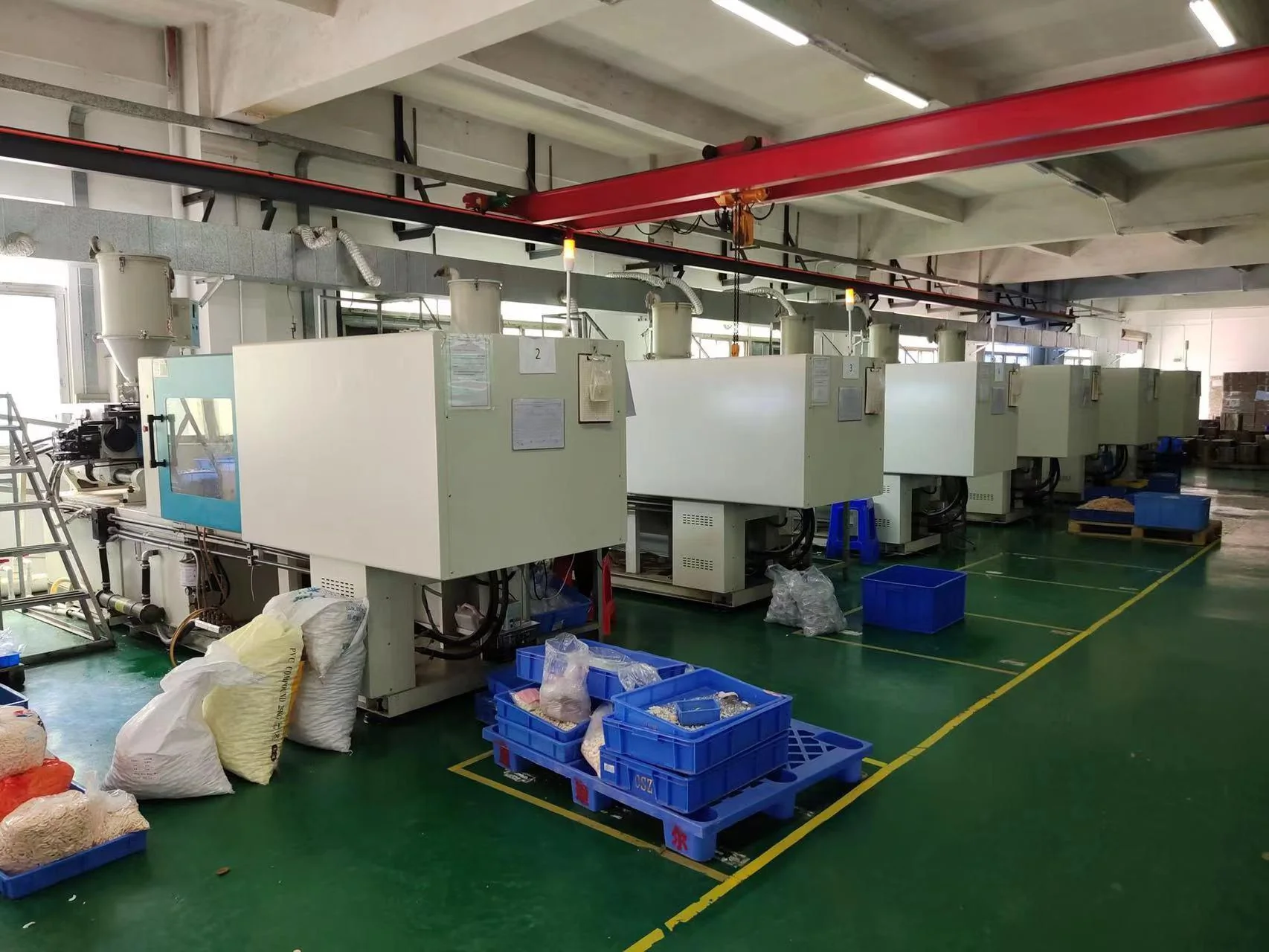 Company Photography
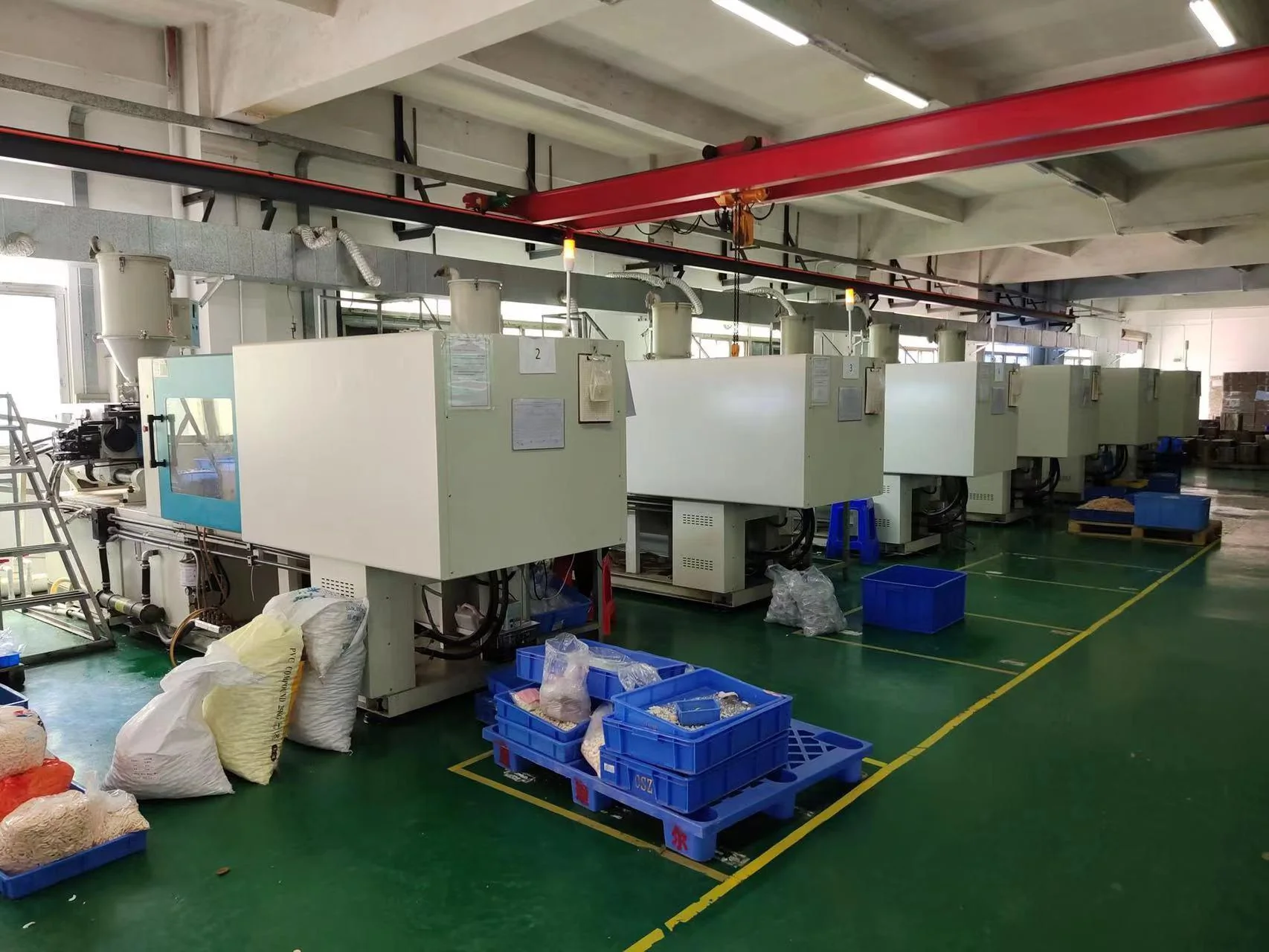
Injection Molding Floor
Production machines, material handling containers and the operating environment visible in the company source.
View Injection MoldingJoints, Accessories and Assembly
The identified figure, articulation interfaces, alternate components and accessory fit at the reviewed stage.
View Action Figure Route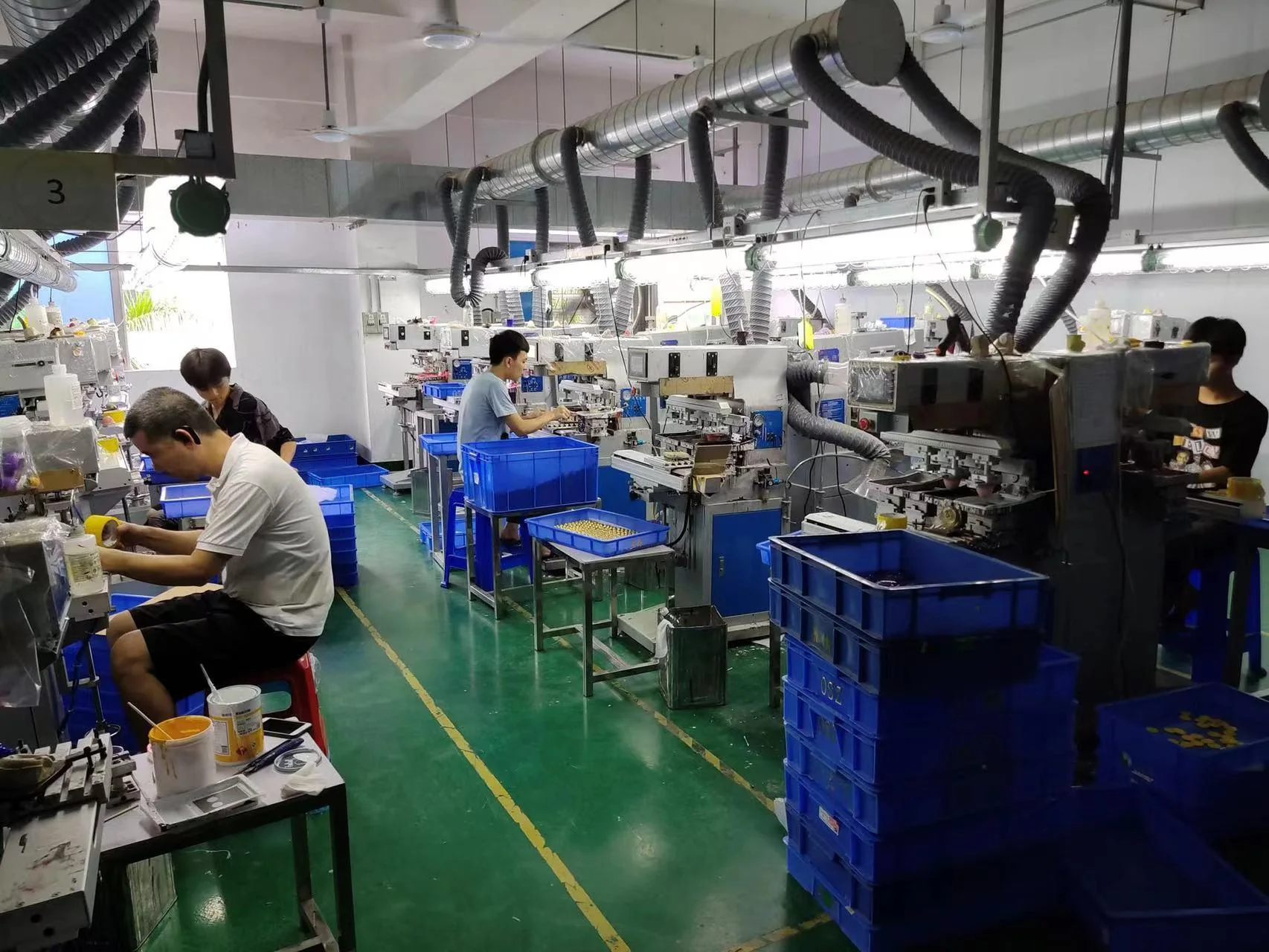 Company Photography
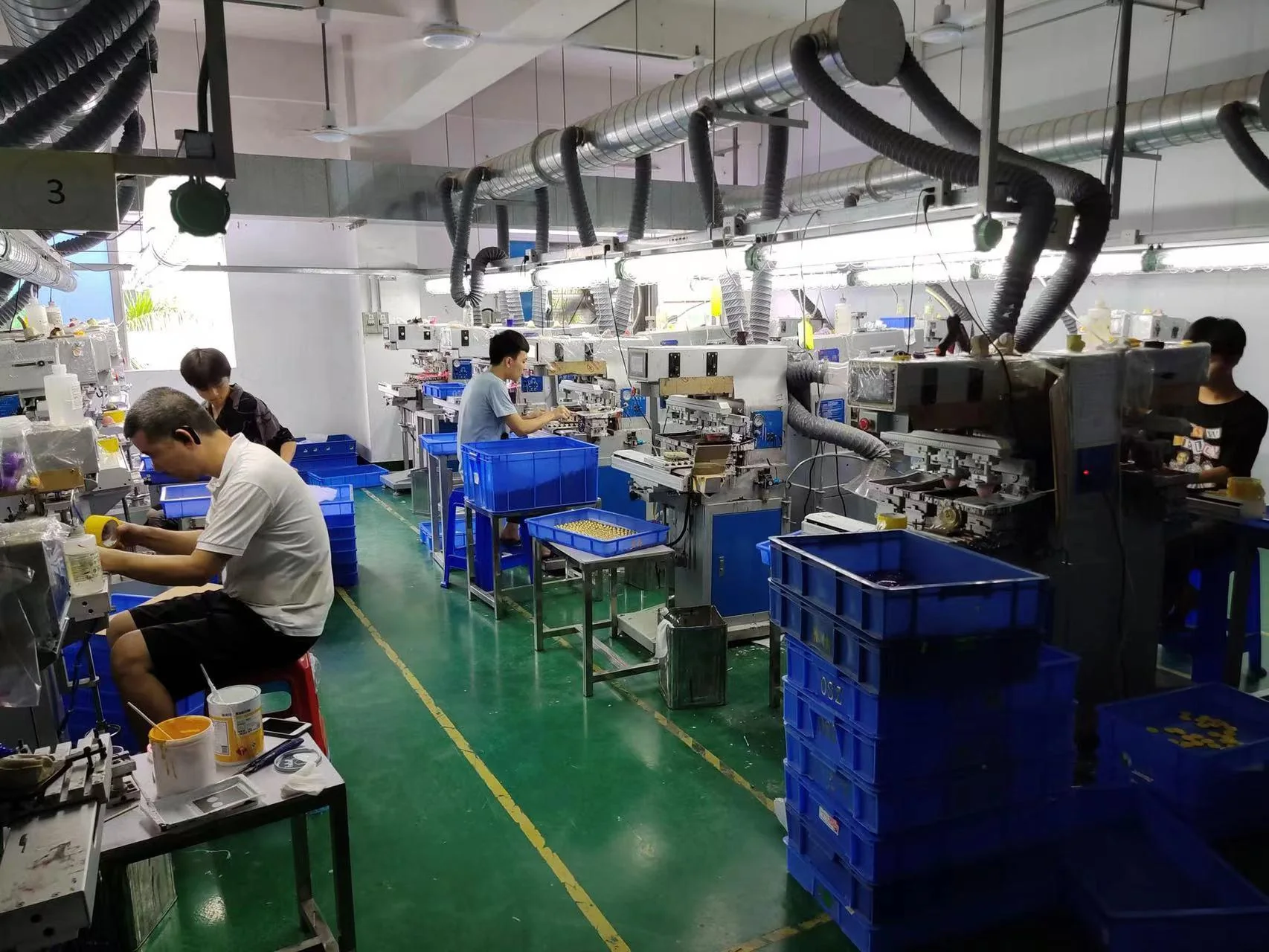
Production Printing Area
Operators, printing equipment and component handling visible in the active pad-printing environment.
View Painting & PrintingSurface, Assembly and Presentation
A product view connecting decorated surfaces, assembly joins, accessories and the intended display condition.
View PVC Figure Route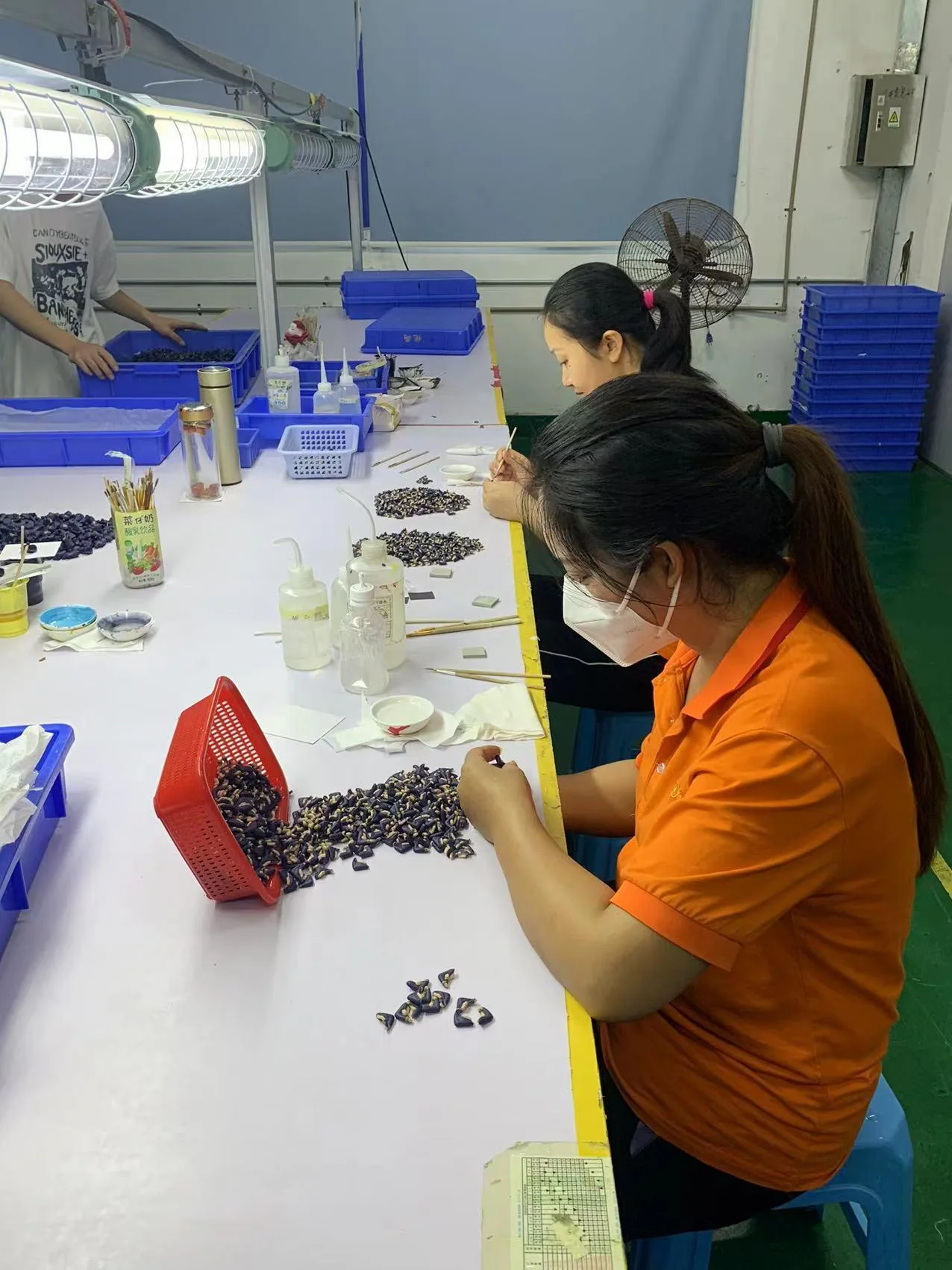 Company Photography
Manual Detail Work
Hands-on work, small-component handling and the finishing environment visible in the company source.
View Finish CapabilitiesForm, Balance and Surface
The identified hollow form, plug or insert relationship, balance and final visible-surface condition.
View Vinyl Toy Route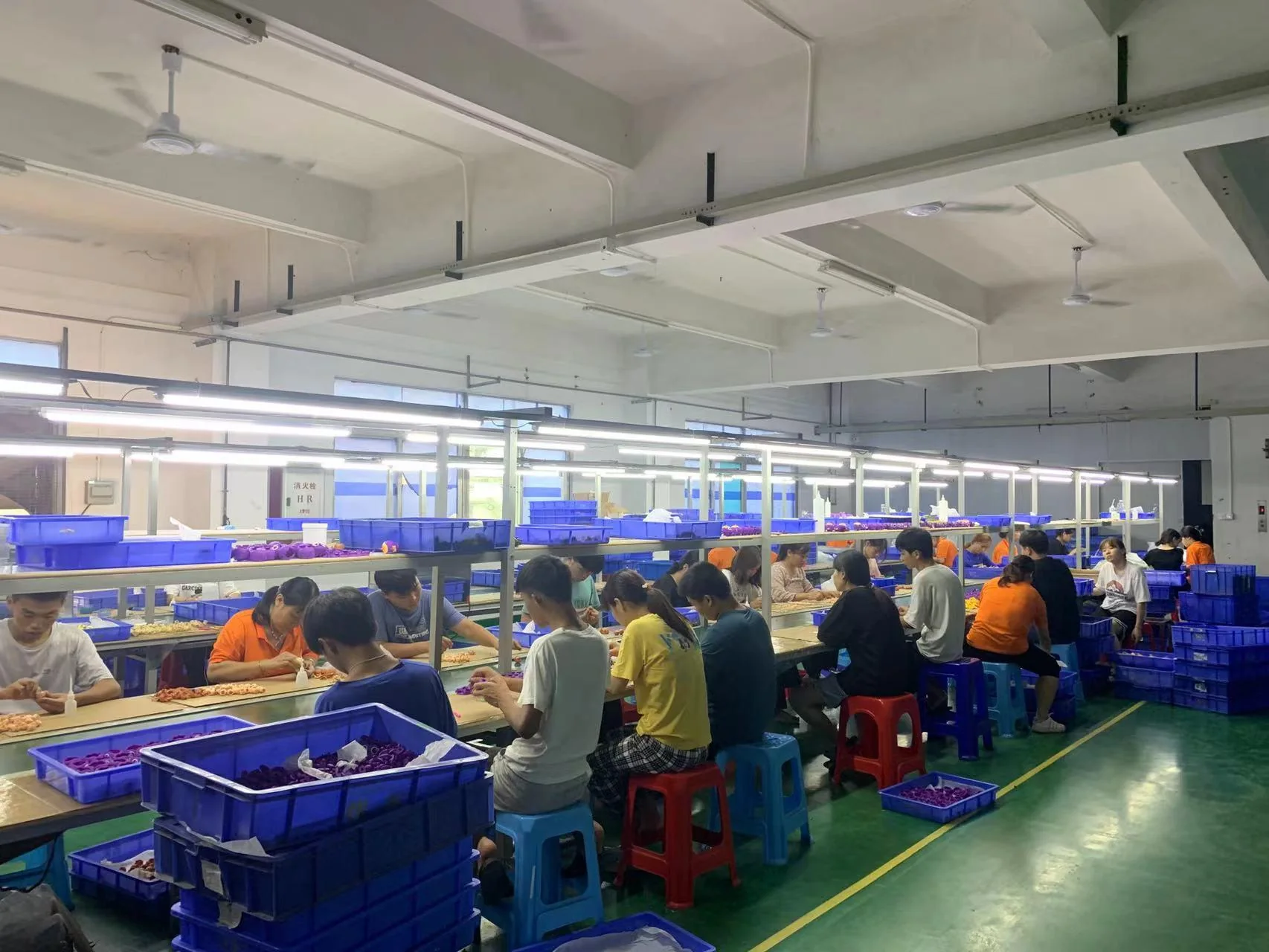 Company Photography
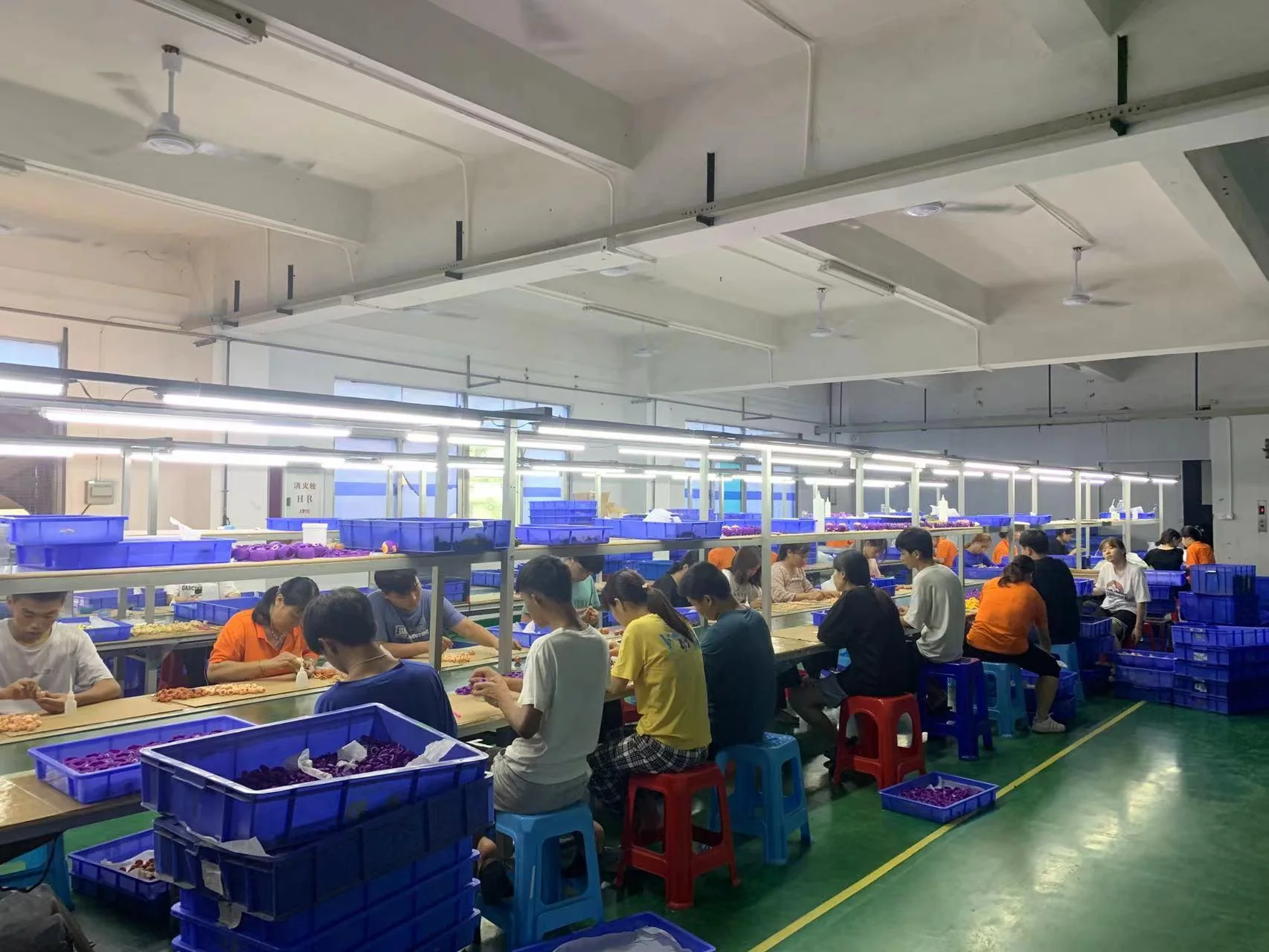
On-Site Product Build
Assembly workstations, separated component handling and the operating environment visible in the company source.
View Assembly & PackagingPurpose-Specific Sample Review
A physical sample connected to the form, fit, assembly or appearance decision it was produced to answer.
View Prototype RouteTool-to-Part Relationship
The identified mold and corresponding trial parts presented together for a clear tooling review.
View Tooling RouteConfiguration and Inspection Scope
Production units tied to the stated SKU, version and visible inspection activity without extending the result beyond its record.
View Quality ControlProduct, Accessories and Retail Pack
The complete identified SKU shown with its accessories, packaging-component versions and final packed arrangement.
View Pack-Out RouteManufacturing stage
Follow the Product from Definition to Pack-Out
The stage label tells buyers what kind of object they are viewing. It keeps a prototype, tool trial, first article and released finished good from being treated as the same thing.
Explore by product format
Continue to the Product Route
Selected public experience
Manufacturing Experience Across Branded Programs
Public references are presented only within their confirmed relationship wording. Specific product images and manufacturing scope remain tied to the permission for each project.
FigCrafts works with brand-owned, licensed or otherwise authorized designs. Gallery references can help define product, finish or packaging direction, but do not grant rights to reproduce another owner's design or artwork.
Gallery buyer FAQ
From Reference to Project Review
Use the gallery to identify a relevant product format or manufacturing stage, then submit your own authorized requirements for evaluation.
Start with your product
Send Your Authorized Design and Target Requirements
Share the product format, design files, quantity, size, function, finish, packaging and target market. Initial project feedback is typically provided within 1–3 business days after sufficient information is received.