
Turn approved colors, artwork and finish references into repeatable decoration for custom figures and plastic model kits. FigCrafts supports molded-color planning, spray painting, pad printing, hand detailing and downstream finish protection.
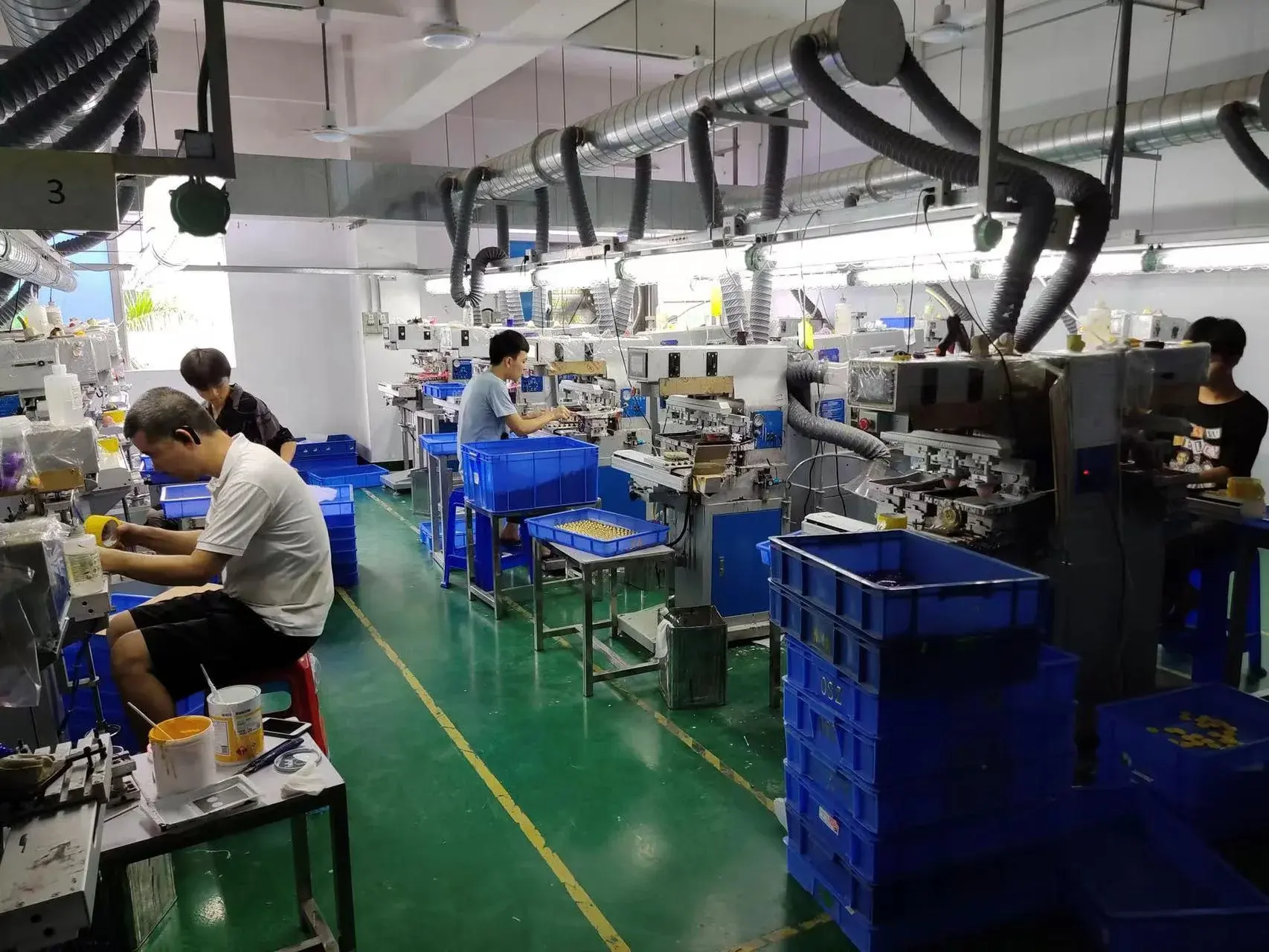
A clear boundary from molding
What Is Needed Before Decoration Starts?
The molding page controls how acceptable parts are formed and released. This page decides how visible color, graphics, sheen and local detail are realized and approved on those parts.
Part identity, revision, material, molded color and important visible surfaces are clear.
Each color, graphic, sheen and local detail is assigned to the correct part or surface.
The team knows which artwork, color specification or physical sample controls each appearance requirement.
Assembly contact, handling and packaging risks that could damage the finish are included.
Color and decoration architecture
Choose the Right Decoration Method for Each Area
Not every color should become a paint operation. Formed color and part separation can remove unnecessary decoration risk; spray, pad print and hand detail are then applied where they add the required result.
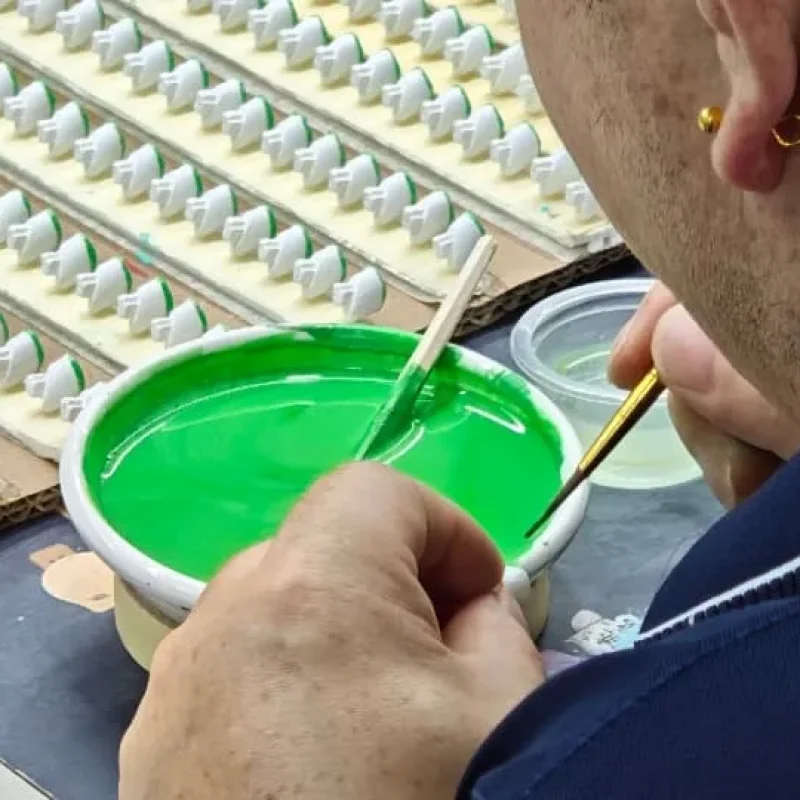
Molded Color
Use the part material as the base color when it can provide the required appearance reliably.
Separate Colored Parts
Create a hard color boundary through product construction when that is better than masking.
Spray Painting & Masks
Apply broad coverage and shaped color areas after checking access, edges and handling.
Pad Printing
Transfer repeatable graphics or details after reviewing artwork, curvature, texture and registration.
Hand Detailing
Add local visual details where the selected automated process is not suitable.
Align the Artwork, Color and Finish References
Color files, renderings and physical samples can describe different properties. The team first identifies what each input controls and where interpretation is still required.
Part & Surface Information
Part files, revision, material, molded color, texture, visible areas and contact points.
Finish Map
Zone-by-zone colors, sheen, graphics and local hand-detail requirements.
Print Artwork
Vector files where available, with size, placement, orientation, layers and revision.
Production Information
Quantity, SKU and color split, sample path, evidence needs, target market and schedule.
The perceived result also depends on substrate or base color, paint or ink system, coverage, texture, sheen and viewing condition. Visual and/or instrument checks are defined according to the project; FigCrafts does not apply one universal color-difference number to every program.
Pad-Printing Feasibility Depends on the Actual Part
Artwork approval confirms the graphic content. Process DFM asks whether that graphic can be transferred, located and repeated on the actual surface.
Artwork and Line Weight
Very small features and separations must remain legible after transfer.
Curvature and Texture
Surface shape and texture affect contact, distortion and edge quality.
Access and Orientation
The pad, fixture and part must meet without collision or unstable positioning.
Registration Relationship
Graphic location is reviewed against the chosen datum, adjacent graphics or molded features.

Approve the Artwork, Sample and Production Start Separately
Each approval applies to the identified part, revision and appearance property. Changes to the part, material, artwork or process may require a new review.
Artwork Approval
Confirm graphic content, scale, position, orientation and revision.
Color & Effect Approval
Confirm the intended color, sheen or visual effect on the identified reference.
Decorated Sample Approval
Review the actual part, decoration method, edges, registration and surface interaction.
Production First Article
Check the current production setup before routine decoration begins.
How Decoration Is Checked During Production
The project quality plan defines the approved sample or color reference, visual or instrument checks, inspection frequency and responsibility for decisions.
If a finish is outside the agreed requirement:
Identify and hold the affected parts.
Compare the finding with the approved reference and inspection criteria.
Decide whether the parts can be reworked, accepted with approval or rejected.
Repeat the required check before release.
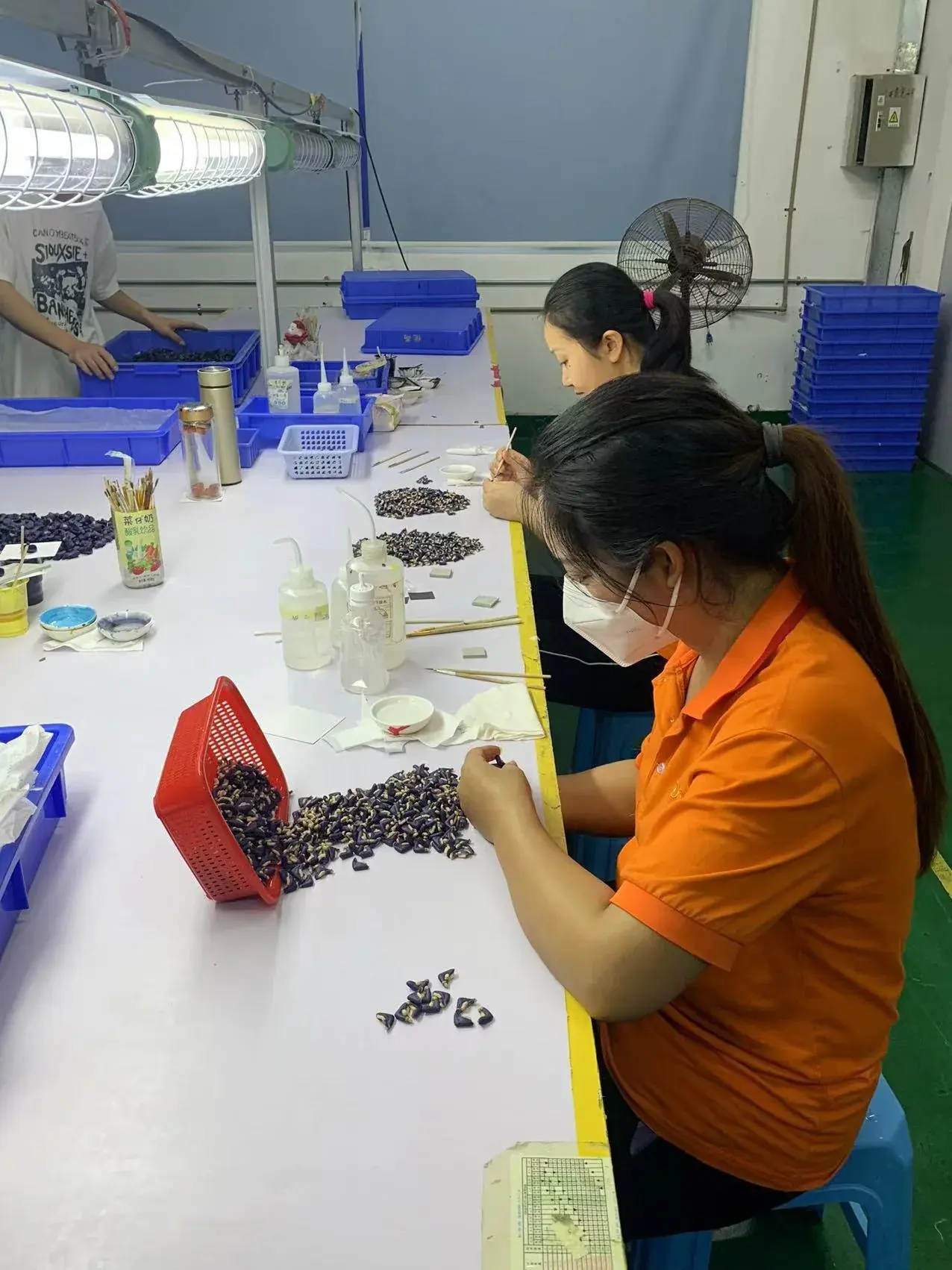
Protect the Finish Through Assembly and Pack-Out
A decorated part can be acceptable at the workstation and still be scratched, mixed or assembled incorrectly later. FigCrafts connects finish requirements to handling, assembly, final inspection and pack-out. Approved printed boxes and trays may be partner-produced and coordinated as part of the final packaging plan.
What to Send for a Painting or Printing Review
Mark what is approved, what is provisional and which appearance decisions still require sampling.
Product and Part Files
3D or drawings, part breakdown, revision, material status, formed colors and visible or contact zones.
Finish Map
Zone-by-zone color, sheen, texture interaction, graphics and local hand-detail requirements.
Color References
Physical sample, color specification, imagery or other source, with the property each reference governs.
Artwork and Placement
Vector artwork when available, size, location, orientation, separations and current revision.
Quantity and Variants
Total quantity, SKU and color split, sets, required spares or sample stages and target schedule.
Approval and Evidence
Required samples, comparison method, acceptance responsibility, downstream work and market or testing needs.
Painting & Pad Printing FAQ
Request a Painting or Pad-Printing Review
Share the files and product details you have now. Our team will review manufacturability, identify missing information and recommend the next step. Initial feedback is typically provided within 1–3 business days once sufficient information is available.